
Start with Free
5 questions per day, including voice and screen analysis. Clips, your library and limited sharing included. No payment card needed.
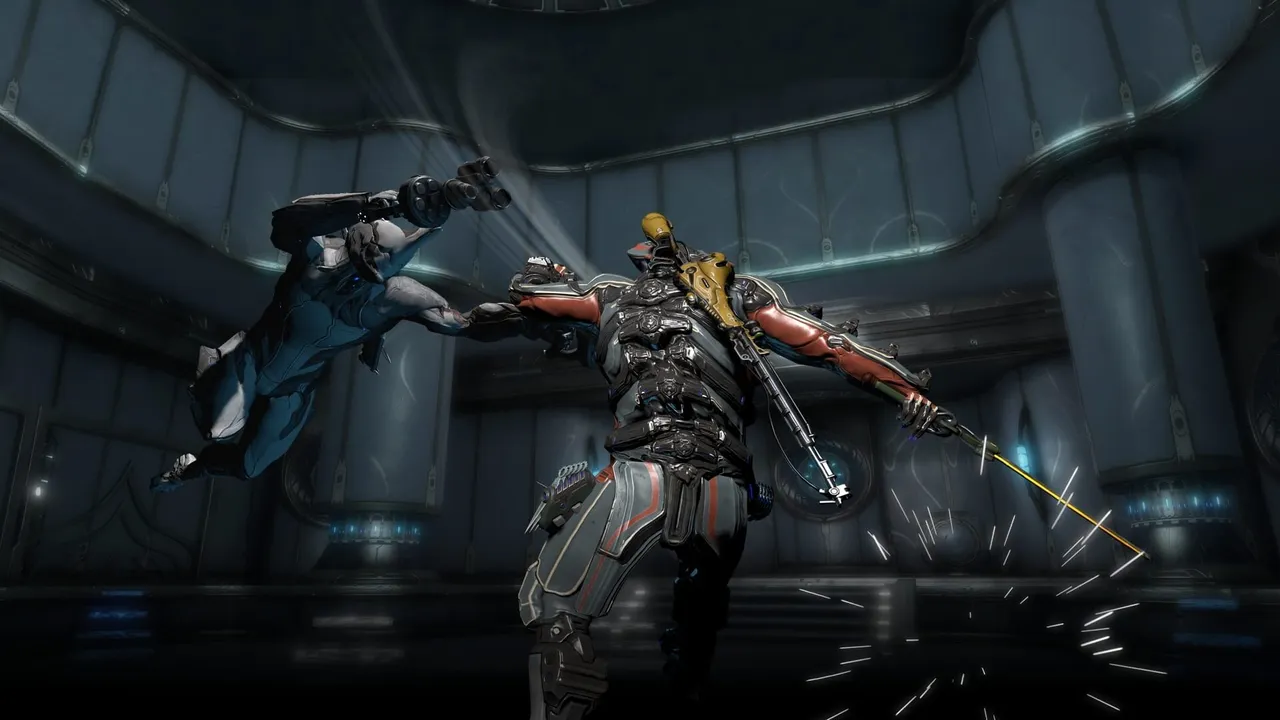
Warframe · Builds
Mods, stats and a goal. Ask your question without jumping between screenshots and browser tabs.
Windows 10 / 11 · Microsoft Store

I want to survive longer. What should I check in this build?
Let's start with survival. Check your defensive options and how your abilities help. Then pick one change to test, instead of replacing all your mods at once.
Warframe · Builds
Show the Warframe or weapon you mean. Give its name if the screen text is too small to read.
Survival, damage or comfort: say what is holding you back and which content you play.
Ask about the trade-offs. Compare in a mission before changing the rest of your build.
AI cannot read your entire inventory or play for you. For patch-sensitive advice, ask it to check current information and sources. An incomplete screen may need clarification.
Download Gamekin from the Microsoft Store, open the app and sign in.
Launch your game and check the observed window. Open the widget with Win + G to stay in your game.
With the default Alt + V shortcut, hold to speak, then release. Choose the response language in settings.
5 questions per day, including voice and screen analysis. Clips, your library and limited sharing included. No payment card needed.
From €14.99/month. Included credits for more questions, more personalities and AI clip analysis. Usage beyond included credits is billed: check pricing before subscribing.
See plansNo. Gamekin is an independent assistant, not affiliated with Digital Extremes. It uses the context you provide.
No. A build depends on the content, your mods and your preferences. Ask for the reasoning, limitations and a check of information that may have changed.
Install Gamekin, sign in and ask your first question. Pick a subscription only when you need more.