
Focus on area damage and improve your resistances as you progress through the acts.
Gamekin on Discord
Talk to Kin in your Discord server, share your game window on demand, and get your guides in chat.
Add Gamekin to the server to talk to Kin in voice. Add it to your account to use Apps → Ask Kin on a message.
Link my accountGame voice channel
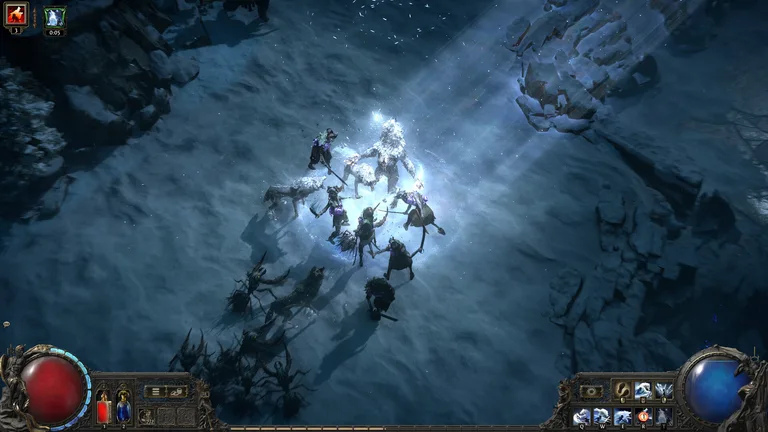 Window shared with Kin
Kin in voice
« Kin, can you make me a Witch guide? »
 GamekinAPP
Play with Kin on your server
Your Gamekin account
The person who installs Gamekin links their account once. Their credits cover the server’s voice chat, and players can join directly.
Link my accountIn voice chat
Join your voice channel and select “Call Kin” in the welcome message. In a group, use “Talk to Kin” in the voice channel chat to take a turn.
/join-kin
FAQ
Do I need to install Gamekin for Windows?
Discord and a browser are enough. Name your game, ask for a guide, or talk to Kin in a voice channel on the server.
How does Kin see my game?
Open screen sharing from the voice channel chat and choose a window or screen in the browser. Kin receives an image on demand.