
GAMEKIN · ACTIVE COACHGREMLIN
LIVEALEX
Which one would you take for this build?
GREMLIN
The second. It strengthens your main skill now, without relying on a rare condition.
UNIVERSAL AI COMPANION FOR PC GAMES
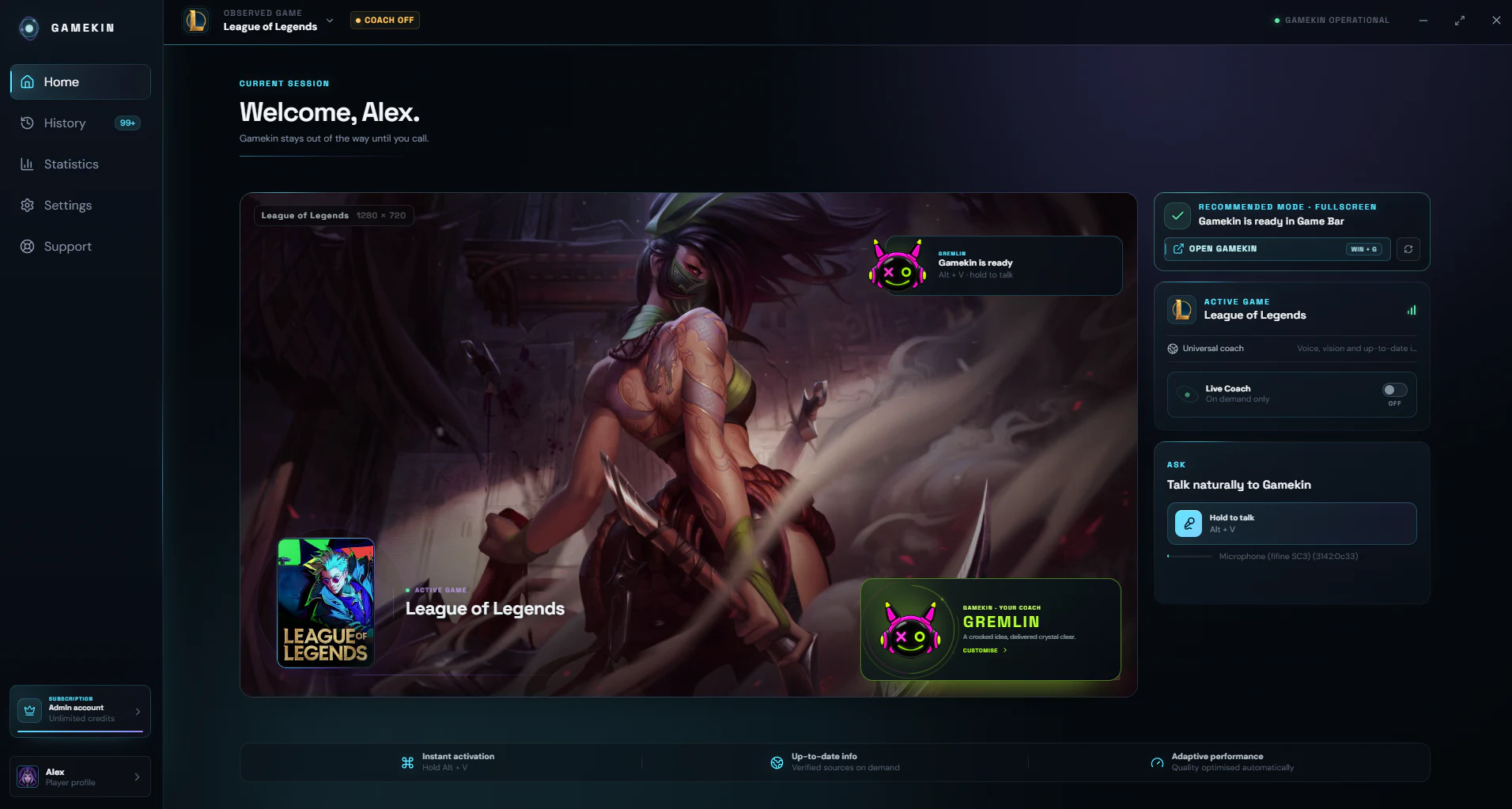
A build to understand, a choice to make, or a section you cannot get past: ask while you play. Gamekin understands your screen and answers naturally — no Alt + Tab, no broken flow.
Free · No credit card required
GAMEKIN · PATH OF EXILE
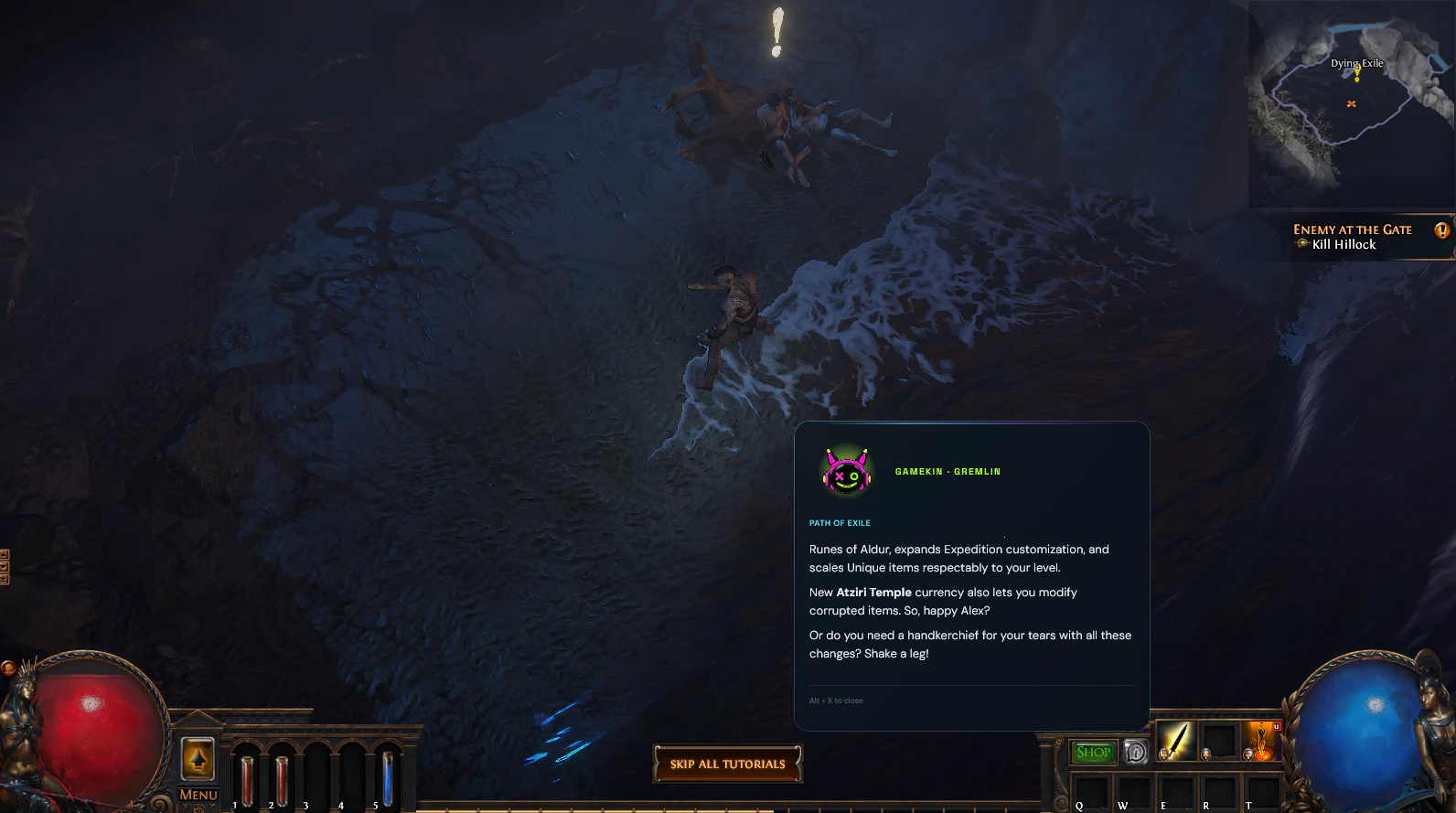
New patches, passive trees, items, or obscure mechanics: ask while you play. Gamekin finds the useful context and answers directly in the overlay.
CHOOSE YOUR VOICE · KEEP YOUR STANDARDS
Complex build, strategic choice, or a section you cannot get past: the tone changes, never the facts or tools.

The teammate who is always on your side.
“We keep the second option. It secures your build now, and we can optimise the damage afterwards.”
ADAPTIVE COACH · EVERY GAME COUNTS
Live Coach briefly reviews one just-visible choice or outcome to help with its next occurrence. It never pretends to intervene in real time: Alt+V remains the dedicated path for advice about the current state. It also learns how you play separately for every game and mode.
Being an expert in one game never changes the explanations you receive in another.
Adaptation builds across sessions from several reliable signals, never from one remark.
Let Gamekin calibrate depth, or choose Beginner, Intermediate, or Expert for the active game.
One useful micro-debrief after a clearly observed event; otherwise, Coach does not intervene.
ONE ASSISTANT · EVERY GAME
Combat, inventory, skill tree, strategy board, or quest: Gamekin understands the visible situation, keeps the conversation moving, and verifies what changes — with no game-specific integration to install.
And this visual engine does not stop at games: it can also help inside an app that you manually select.
 Path of Exile
 Teamfight Tactics
 Minecraft
 WarframeLeague of LegendsFortniteRobloxChess.com+And many more…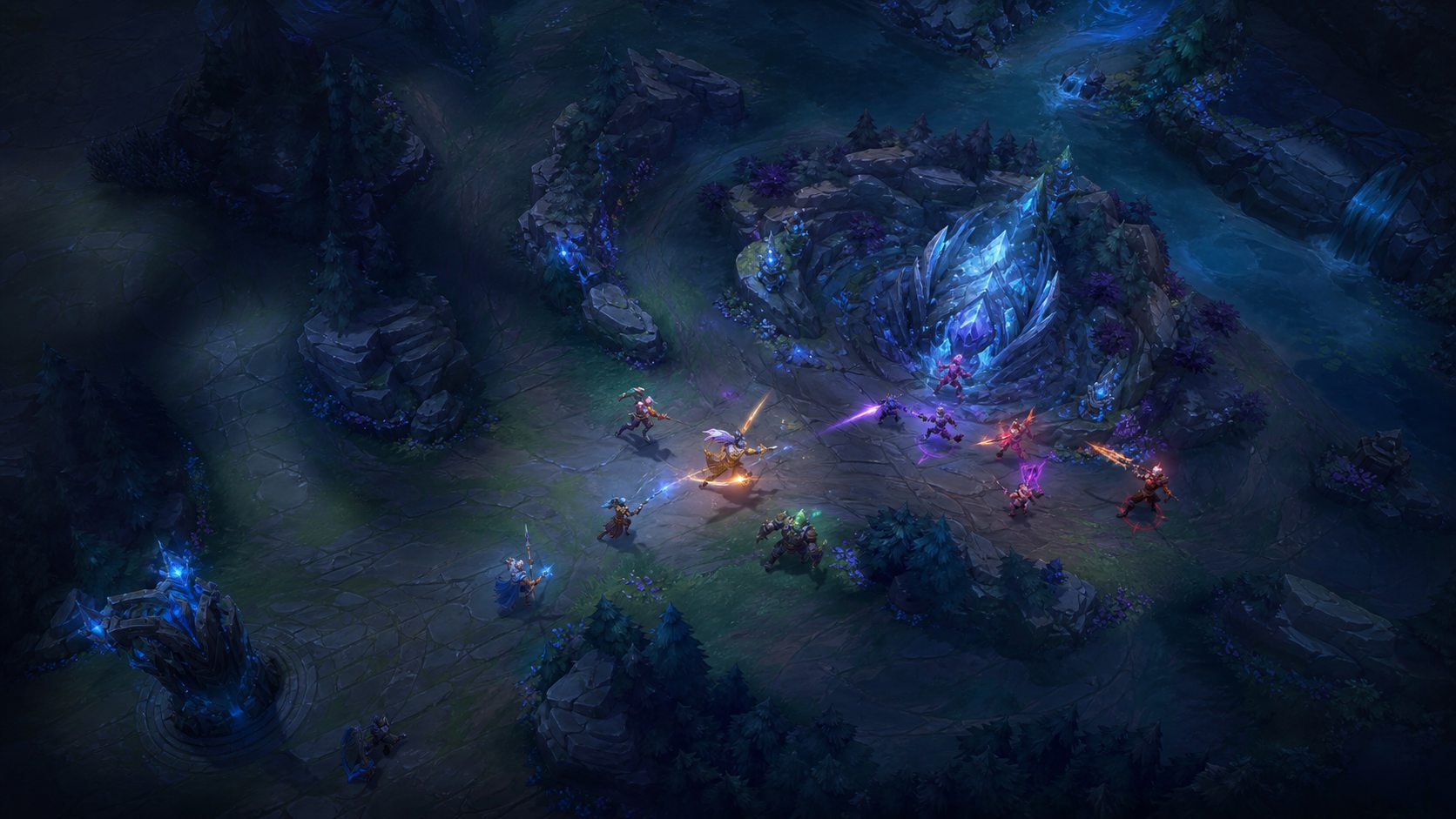
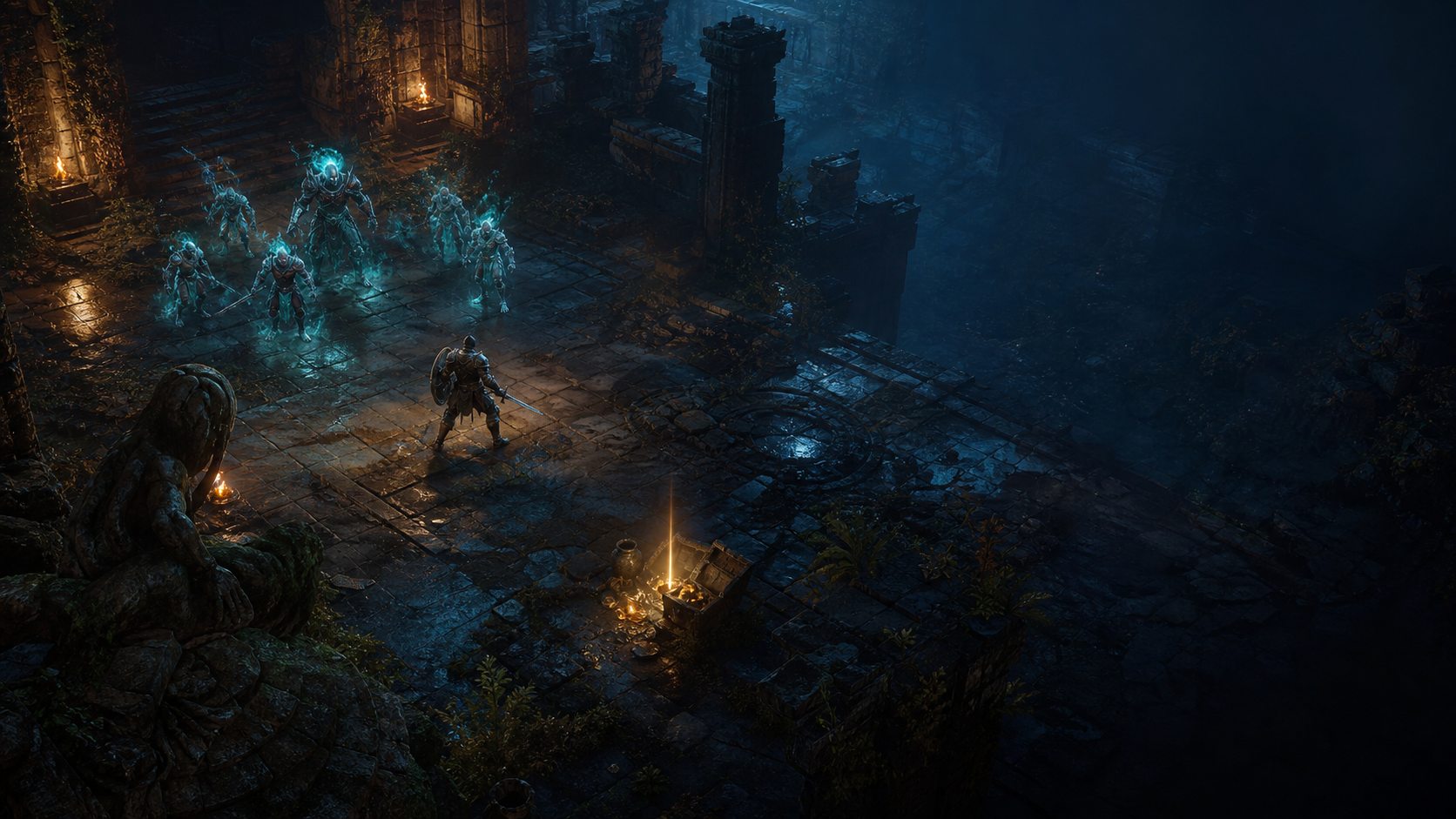
Universal compatibility through visual analysis. Names and trademarks belong to their respective publishers and do not imply any partnership.
BEYOND GAMES · SAME VISION
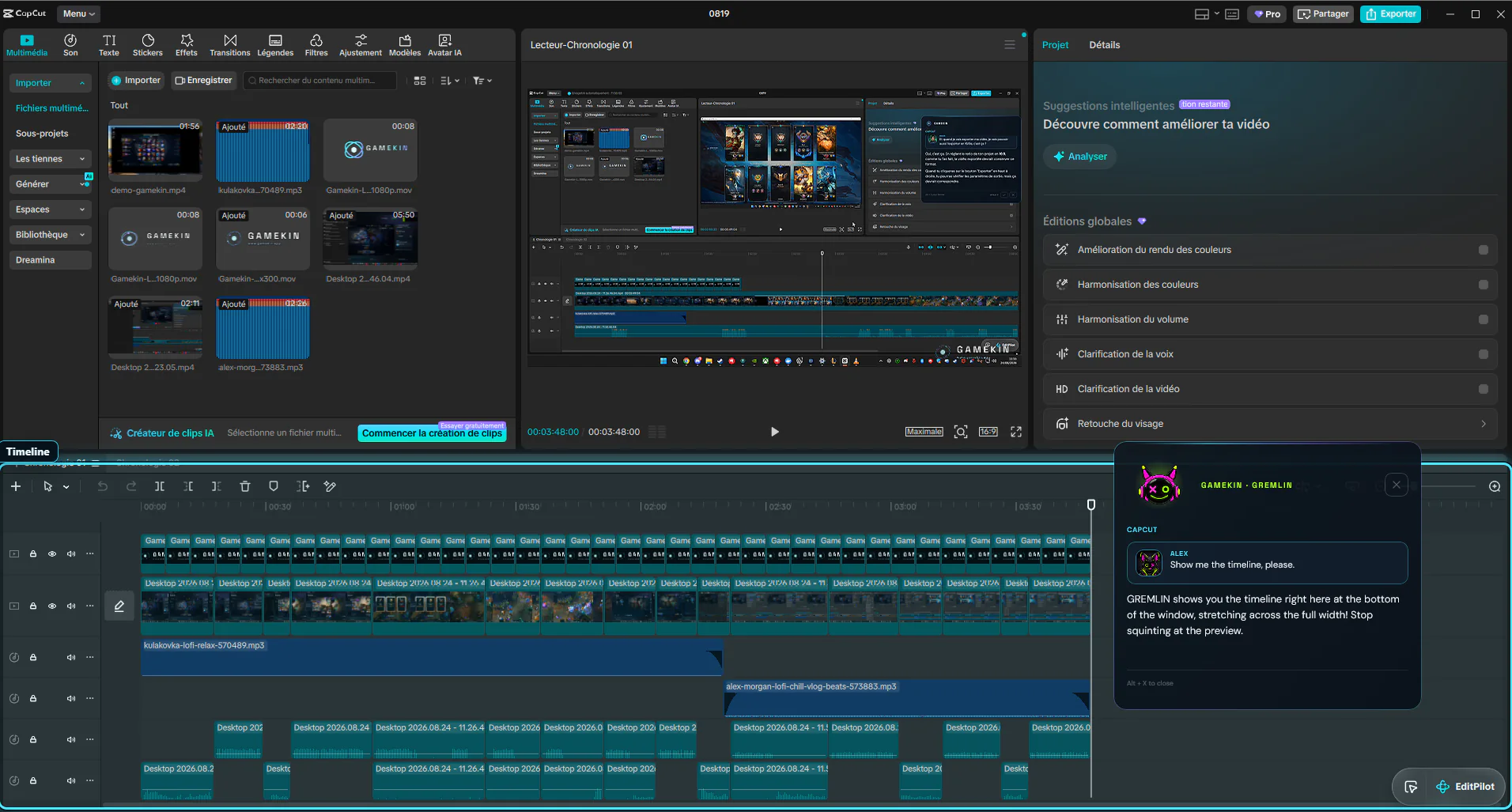
Gamekin is still built for PC gaming first. When you move to video editing, creative work, or a web tool, simply select its window: the same visual assistant understands the interface, answers by voice, and precisely describes where to find the element you need.
 VISUAL GUIDANCE
DEMONSTRATION
See Gamekin in real sessions: voice questions, screen understanding, current information, and proactive assistance — without leaving the game.
A COMPANION, NOT AN ENCYCLOPEDIA
Gamekin adapts to the moment and to your request. A short answer during action, more context when you truly want to understand.
Menus, inventories, skill trees, boards, and objectives: Gamekin follows the selected game window while you use it.
Patches, builds, recipes, mechanics, and rotations are searched only when information freshness actually matters.
Voice, formatted text, images, videos, or guides: the answer uses the right format, not the loudest one.
A fast instruction during action, with more detail whenever that detail is genuinely useful.
A SIMPLE INTERFACE. A GLOBAL AI.
Choose your assistant’s language and personality once. Gamekin then keeps the same voice identity throughout your sessions.
AS NATURAL AS A SHORTCUT
Hold the shortcut while asking your question, then release it to send.
Gamekin detects the end of your request and uses the selected game window only when visual context is useful.
The answer appears in the overlay, with voice if enabled. You can interrupt or end the conversation at any time.
BUILT TO STAY LIGHT
During a conversation, Gamekin follows only the selected window and does not retain the images or audio used to answer. Proactive Assistant remains limited to the active game. Clips capture is separate, local, and off by default; clip analysis sends only the chosen video passage, up to 30 seconds and without audio, after you request it. Gamekin never injects into a game or reads its memory.
SIMPLE PRICING
Install Gamekin. It’s free. Get 5 questions and 1 Coach analysis per day. Every plan shares the same AI, context and history. Choose a paid plan for more usage and all personalities.
No card required, no time limit
The best choice for regular play
For long sessions and intensive players
For creators and the heaviest usage
Reference prices are in EUR. Stripe automatically displays and charges a compatible local currency at checkout.
Gamekin Free never charges overage: its allowances reset at midnight UTC. On paid plans, a question uses at least 1 Gamekin Credit. Total usage also depends on voice, screen analysis and searches. Local Coach observation is free; when a useful change actually triggers an AI analysis, its measured processing uses credits even if no advice is spoken. A delivered intervention already includes its first standard credit. Other advanced processing follows the same actual-usage rule, rounded up to a whole unit. Whether billing is monthly or annual, the allowance resets every month: 2,000 Pro credits, 4,000 Power credits, or 20,000 Ultra credits, with no rollover. Beyond that, extra credits are metered automatically at the plan rate and can be invoiced at intermediate thresholds: this is not a hard cutoff.
FREQUENTLY ASKED QUESTIONS
Yes. The same universal engine works with any capturable game window, without game-specific modules to maintain.
Vision used for answers and coaching remains ephemeral. Clips is off by default: once enabled, you can save an adjustable-length replay or record the selected window until you stop. Depending on your settings, capture can include PC audio and microphone input. Videos stay on your PC. If you request a debrief, only the chosen video passage, limited to 30 seconds and without audio, is sent to AI. The original recording stays on your PC.
Gamekin Free includes 1 AI analysis per day, even without advice, with no charge. Local observation is free. On paid plans, analyses use credits according to their measured processing, even when the Coach stays silent. Beyond the paid allowance, extra credits are charged at the plan rate. Free stops at its daily allowance with no overage charges.
History is the conversations you can read again. On every plan, including Free, it stays accessible until you delete it or delete your account. Context is the portion of previous exchanges and saved information sent to the AI to prepare a reply. Every plan uses the same AI engine and the same context limits. The AI does not automatically reread your entire history for every question. Free limits daily questions and Coach analyses; paid plans allow more usage and include all personalities.
Yes, through the Xbox Game Bar widget, which is the recommended mode. Windowed and borderless modes remain available too.
Yours. Select it in settings to keep understanding and voice output consistent.
Yes. Gaming remains its primary use, but you can manually select a compatible creative app or website window. Gamekin can then use what is visible to answer and precisely locate an element, without controlling the application.
No. Gamekin injects nothing, simulates no input, and never reads game memory. It advises, but never plays for you.
YOUR NEXT IN-GAME REFLEX
Install the app, pin the widget, and keep your attention where it matters: in the game.
Download Gamekin